@hyperse-hub/hps-plugin-invoice
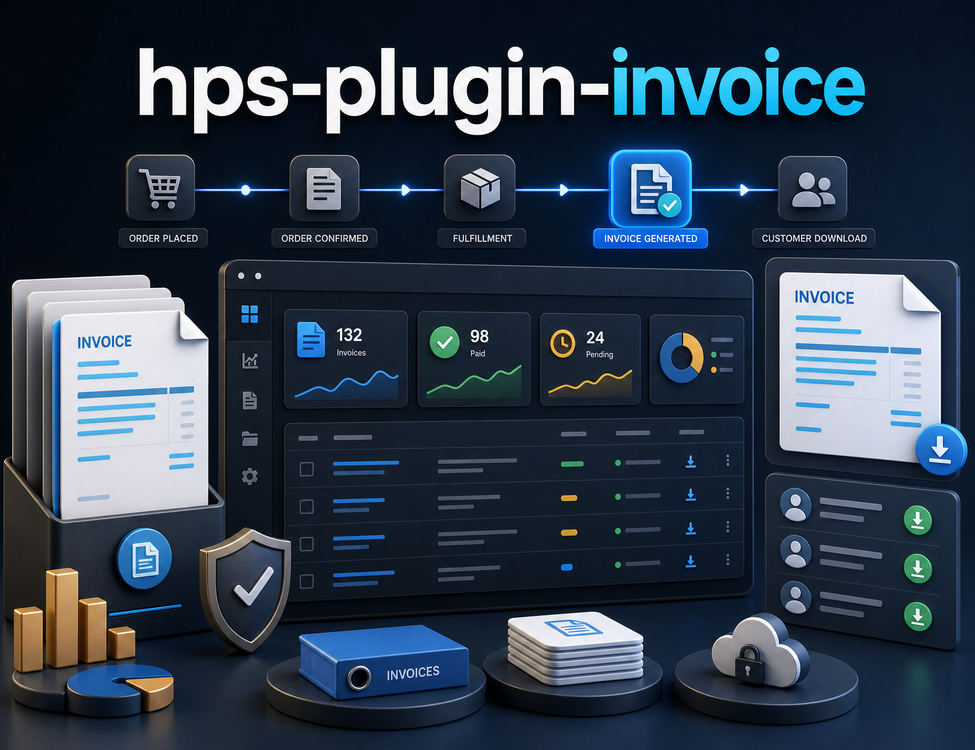
PDF invoicing for Vendure. Generate invoices from orders using a handler-based pipeline (similar in spirit to Vendure’s email handlers), render documents with React Email–compatible TSX, persist PDFs via storage, and expose Admin API, Shop API, and signed download URLs.
Features
- Handler pipeline — Register one or more invoice handlers with optional filters, custom data loading, metadata (including per-channel invoice numbering), and TSX templates.
- PDF generation — Renders templates to PDF and stores files through
@hyperse-hub/hps-plugin-storage (configure that plugin for your OSS/S3 or other backend).
- Per-channel invoice numbers — Uses an
InvoiceSequence entity so numbers stay unique per channel.
- GraphQL
- Admin API —
invoice(orderCode), paginated invoices, createInvoice (queues generation), deleteInvoice (removes DB row and stored file).
- Shop API —
Order.invoice for the storefront; createInvoice for logged-in customers (order must belong to the customer).
- Background jobs — Generation runs on the
generate-invoice job queue with retries.
- Optional automation — When
autoGeneratedWhileOrderPaymentSettled is enabled, a job is queued when an order transitions to PaymentSettled.
- Downloads — Time-limited, signed tokens (
downloadTokenSecret / downloadTokenTtlSeconds) for GET /invoices/download?token=...; admin helpers for bulk download and template preview (see HTTP routes below).
Requirements
- Vendure
>= 3.6.0 (see peerDependencies in package.json)
- Node.js
>= 20
@hyperse-hub/hps-plugin-storage registered in the same Vendure app so invoice PDFs can be saved and retrieved.
Install
yarn add @hyperse-hub/hps-plugin-invoice
Setup (Vendure config)
Register the storage plugin first, then the invoice plugin. Override invoiceHost and secrets for production.
Configuration reference
| Option | Description |
|---|
invoiceHost | Public base URL for download links (often your API or worker host, no trailing /). |
handlers | Array of handlers from createInvoiceHandler(...). The default plugin ships with a "default" handler using DefaultDataStrategy and DefaultInvoiceTemplate. |
autoGeneratedWhileOrderPaymentSettled | If true, enqueue invoice generation when an order enters PaymentSettled. Default false (manual or shop-driven). |
matchMode |
Invoice handlers
Handlers drive filtering, data, invoice metadata, and rendering. Import createInvoiceHandler, DefaultDataStrategy, and DefaultInvoiceTemplate from this package and compose your own, or copy the pattern from HpsPluginInvoice’s default options in hps-invoice.plugin.ts:
.filter() — Optionally include/exclude orders (e.g. B2B vs B2C)..loadData() — Build the data object passed to the template (default uses DefaultDataStrategy)..setInvoiceMeta() — Return { invoiceNumber, customerEmail } (often delegating to InvoiceNumberService for numbering)..setTemplate() — Return a React element for PDF rendering.
GraphQL (summary)
- Admin —
createInvoice(input: { orderCode }) queues a job if no invoice exists; deleteInvoice(id) deletes storage + record; invoice(orderCode) and invoices(options) resolve list/detail with downloadUrl where applicable. Permissions follow catalog read/create/delete as implemented in the admin resolvers.
- Shop —
createInvoice requires Permission.Owner; if an invoice already exists, the response includes a downloadUrl; otherwise, for orders in PaymentSettled, Shipped, or Delivered, a generation job is queued.
Order.invoice — Exposes the invoice for the storefront order detail when present.
HTTP routes (plugin controller)
Mounted under the /invoices path on your Vendure server (plus any global API prefix you configure):
| Method | Path | Purpose |
|---|
GET | /invoices/download?token=... | Public download using a signed token (no session). |
GET | /invoices/downloadInvoices?nrs=1,2,3 | Bulk download (authorized); streams a ZIP of selected invoice numbers. |
POST | /invoices/preview | Admin preview of the invoice template against the latest placed order (invoiceType: Invoice or Order). |
Ensure invoiceHost points at the host that serves these routes so downloadUrl values work for customers and admins.
Development
From this package folder:
yarn install
yarn build
yarn lint
yarn typecheck
yarn test
License
MIT