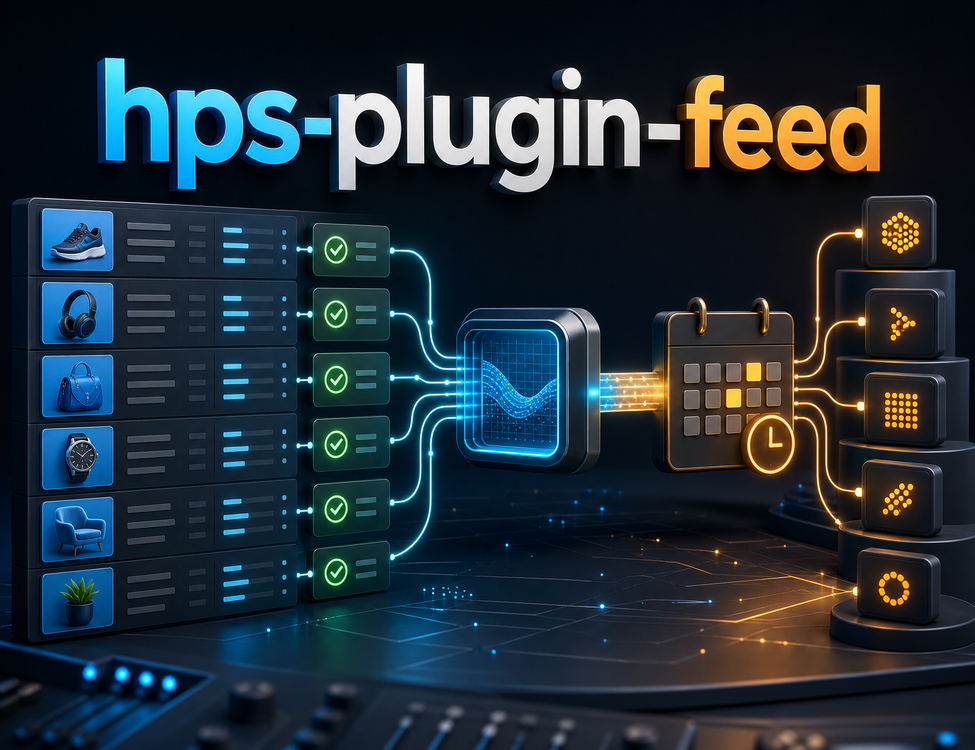
hps-plugin-feed is a Feed plugin in the Hub Growth group.hps-plugin-feed provides Feed plugin capabilities for Hub Growth. Growth, campaigns, loyalty, and customer engagement features. It is especially useful for growth workflows.
CoreVendure Plugins
Specifications
Technical details and package information for this product.
Vendure plugin for product catalog feeds: generates Google Shopping (RSS 2.0 or Atom), Facebook Commerce (CSV), and custom platforms, persists files via pluggable storage, exposes them under **/feeds/<siteName>/...**, and runs regeneration through the job queue plus an optional **scheduled task.
Requirements
Vendure>= 3.6 (plugin compatibility >= 3.0.0)
Node>= 16
**@hyperse-hub/hps-plugin-admin — the plugin imports it for dashboard menu extensions; register it in your server config alongside this plugin.
Installation
Add the package to your Vendure server project and install peer dependencies (@vendure/core, NestJS, GraphQL, TypeORM, RxJS, etc.) as usual.
Registering the plugin
Import HpsPluginFeed and pass **feedConfigs** (one row per public feed site). Each siteName must be unique; it becomes the URL segment after /feeds/.
Local dev server reference: config/dev-server.ts in this package.
Configuration
Options are passed to HpsPluginFeed.init({ ... }). Types live in HpsPluginFeedOptions (src/types.ts).
feedConfigs (FeedConfig[])
Field
Description
siteName
Unique key; public path is /feeds/<siteName>/... and storage layout matches.
domain
Storefront origin (e.g. https://www.example.com/) for absolute product and feed URLs.
limit
Max products loaded (by id order). Each product can emit multiple rows (one per variant in the channel).
maxFeedRows
Optional cap on total variant rows in the feed.
onlyEnabledProducts
If true, only product.enabled === true. Default false (disabled products may appear as out of stock).
languageCode
Locale for translations and feed language metadata.
Product & asset URL defaults (urlDefaults)
Set shared templates once at plugin init; each feedConfigs row can override.
Resolution order: feedConfigs[] field → urlDefaults → built-in default (product/{slug}/{variantId} for links; {domain}/assets/{preview} for images when no CDN is configured).
Catalog defaults (catalogDefaults)
Set shared catalog fields once at plugin init; each feedConfigs row can override via defaultCondition / defaultGoogleProductCategory.
Site-wide fallback Google taxonomy id (see below).
googleProductCategory applies the same value to every row unless overridden. Use it as a default for your most common product type; map other types per product via enrichProductFeedItem.
Built-in mapper also sets:
availability from product/variant enabled state and stock quantity (inventoryQuantity > 0)
item_group_id on every row (product id) for Google/Facebook variant grouping
g:age_group default adult
product_type from Vendure collections when present (your own category path — not the same as google_product_category)
Title deduplication when variant name repeats the product name
Multiple Google product categories (e.g. sunglasses + prescription eyeglasses)
Google taxonomy uses one id per product. Eyewear stores often need at least two:
Product type
Google ID
Taxonomy path
Prescription / optical
524
Health & Beauty > Personal Care > Vision Care > Eyeglasses
Google recommends the numeric id (stable across locales). Submit either the id or the full path, not both.
Recommended pattern:catalogDefaults for the majority category + enrichProductFeedItem to override per product:
enrichProductFeedItem merges after the built-in mapper; returned fields overridecatalogDefaults (including googleProductCategory).
Choosing a mapping strategy
Approach
When to use
Product custom field (product.customFields.googleProductCategory)
Best when ops can set 178 / 524 per product in Admin
Collection name mapping
When products sit in clear collections (e.g. Sunglasses, Optical Frames)
Product type / facet custom field
When a single enum drives category (e.g. productType: 'sunglasses' | 'optical')
Minimal custom-field example:
google_product_category vs product_type
Feed field
Source
Purpose
google_product_category
catalogDefaults / enrichProductFeedItem
Official Google taxonomy id (178, 524, …)
product_type
Vendure collections (built-in mapper)
Your storefront category path for reporting
Both can appear on the same row; they do not replace each other.
enrichProductFeedItem — all platforms
enrichProductFeedItem is not Google-only. It runs once per variant when building the unified ProductFeedItem list, before platform files are generated. The same enriched rows are then transformed for each entry in feedConfigs[].platforms:
Hook context (EnrichProductFeedItemContext):
Field
Description
ctx
Vendure RequestContext
feedConfig
The active FeedConfig row (use siteName to branch between sites)
product / variant
Source entities (relations pre-loaded — see below)
baseItem
Row from the built-in mapper before your patch
Pre-loaded relations on product / variant
enrichProductFeedItem receives the sameProduct / ProductVariant instances loaded by the feed generator batch query. You do not need an extra ProductService.findOne for the paths below — facet values, collections, assets, and stock are already joined.
The canonical list is exported as FEED_PRODUCT_LOAD_RELATIONS from @hyperse-hub/hps-plugin-feed:
Entity
Relation path
Available in enrich for
Product
translations
slug, name, description
Product
featuredAsset, assets, assets.asset
image URLs
Product
facetValues
product-level facets
Product
facetValues.facet
match by facet.code (e.g. brand)
Product
facetValues.translations
localized facet labels
Variant
facetValues + facet + translations
Built-in facet mapping: when facetValues are loaded, product facet code brand is mapped to baseItem.brand (with translation for feedConfig.languageCode). Override in enrich with { brand: '…' } or read other facets from product.facetValues / variant.facetValues:
Relations not loaded (fetch yourself if needed): product.collections, variant options / productOptionGroup, nested product.assets beyond preview, custom-field relations, or any facet not assigned to the product/variant.
Return a partial ProductFeedItem; it is shallow-merged over baseItem. There is no platform argument — differentiation is by which fields you set and which adapters consume them.
Which enriched fields each platform uses
ProductFeedItem field
Google
Facebook
Klaviyo
googleProductCategory
✅ g:google_product_category
✅ google_product_category
—
productType
✅ g:product_type
✅ fb_product_category
—
condition
✅
✅
—
color / gender / size
✅
✅
How to “target” a platform without a platform param
Set fields; adapters pick what they need (recommended). One hook can serve all platforms — e.g. googleProductCategory flows to Google and Facebook; Klaviyo ignores it. Set categories or inventoryPolicy for Klaviyo-only behaviour.
Branch on feedConfig.siteName when different storefronts need different rules (hook is plugin-wide, not per feedConfigs entry).
Same site, truly different logic per platform — not supported in the hook today. Options: split into separate feedConfigs with different platforms lists and branch on feedConfig in the hook, or implement a customFeedStrategies adapter for platform-specific transforms.
If Klaviyo categories should differ from Google product_type, override categories in enrich (Klaviyo) while leaving productType to the built-in mapper from Vendure collections (Google / Facebook).
Minimum production configuration (Google + Facebook + Klaviyo)
Example for a storefront with CDN assets, eyeglasses taxonomy, and three platforms on one site (assumes resolveGoogleCategory from the section above):
After deploy, trigger refreshProductFeed (Admin API or scheduled task) so files are regenerated with the new settings.
Set assetBaseUrl (or assetUrlTemplate) so image links are absolute CDN URLs, not relative paths.
Set productUrlPathTemplate to match your storefront routes (default product/{slug}/{variantId}).
Set catalogDefaults.googleProductCategory as a fallback; use enrichProductFeedItem when products span multiple taxonomy ids (e.g. 524 eyeglasses + 178 sunglasses).
Enable onlyEnabledProducts: true if disabled catalog rows should be excluded entirely.
Protect feeds with accessPassword when exposed on the public internet.
Run feed refresh after config changes; spot-check Google Merchant Center / Meta catalog diagnostics for mixed categories.
Other options
Option
Description
urlDefaults
Plugin-wide defaults for productUrlPathTemplate, assetBaseUrl, assetUrlTemplate.
catalogDefaults
Plugin-wide defaults for condition, googleProductCategory.
storage
Implements FeedStorage. Default: LocalFsFeedStorage writing under ./feeds/<siteName>/.
urlBuilder
Implements FeedUrlBuilder. Default: → .
Built-in platforms and files
Platform
Format
Typical relative path
google
RSS 2.0 or Atom
google/rss.xml or google/atom.xml
facebook
CSV
facebook/products.csv
klaviyo
JSON
klaviyo/products.json
Exact paths follow the strategy layout under each siteName (see generated ProductFeed.parts in Admin for URLs after a successful run).
When accessPassword is set on a feedConfigs row, append ?password=... to the URL.
Custom FeedStorage may implement getRedirectUrl (302), openReadStream, and/or resolvePath (local file). The default local storage uses openReadStream.
Klaviyo / ESP catalog feed
Built-in platform klaviyo emits a JSON array compatible with Klaviyo custom catalog sync. Pair with @hyperse-hub/hps-plugin-email-marketing for back-in-stock subscriptions that reference the same variant ids.
Klaviyo feed URL example:
Job queue and scheduled refresh
Job name: **generate-product-feed (defined in FeedGeneratorService).
Admin mutation **refreshProductFeed** enqueues regeneration for all configs or a targets subset (siteName, channelToken, languageCode must match a feedConfigs row).
Scheduled task id: **hps-plugin-feed-refresh-feed-task** — enqueues the same jobs on the cron you configure (default daily 02:00).
Ensure your Vendure job queue worker processes generate-product-feed in production.
Admin API and permissions
GraphQL extensions (src/api/product-feed.api.ts):
Queries:productFeed, productFeeds
Mutation:refreshProductFeed
Permission: **AllowProductFeedPermission (productFeedPermission). Grant it to roles that should list feeds and trigger refresh.
Custom platforms
Implement a FeedBuildStrategy (often extending BaseFeedBuildStrategy) with a FeedPlatformAdapter that defines contract, filename, and transform.
Export a factory (config: FeedStrategyConfig) => FeedBuildStrategy<...>.
Register in init: customFeedStrategies: { tiktok: createTikTokFeedStrategy } and add tiktok to feedConfigs[].platforms.
A full illustrative TikTok CSV example ships as createTikTokFeedStrategy in src/custom-feed-strategies.example.ts (also re-exported from the package entry).
Exports
The package entry (src/index.ts) re-exports:
HpsPluginFeed, HpsPluginFeedOptions, FeedConfig, and related types
Contracts: FeedStorage, FeedUrlBuilder, DI tokens HPS_FEED_STORAGE, HPS_FEED_URL_BUILDER
Strategy types and built-in strategy modules under ./feed/strategy
Feed item / contract types under ./feed/types
Services (FeedGeneratorService, ProductFeedService) for advanced injection or testing