@hyperse-hub/hps-plugin-assisted-order
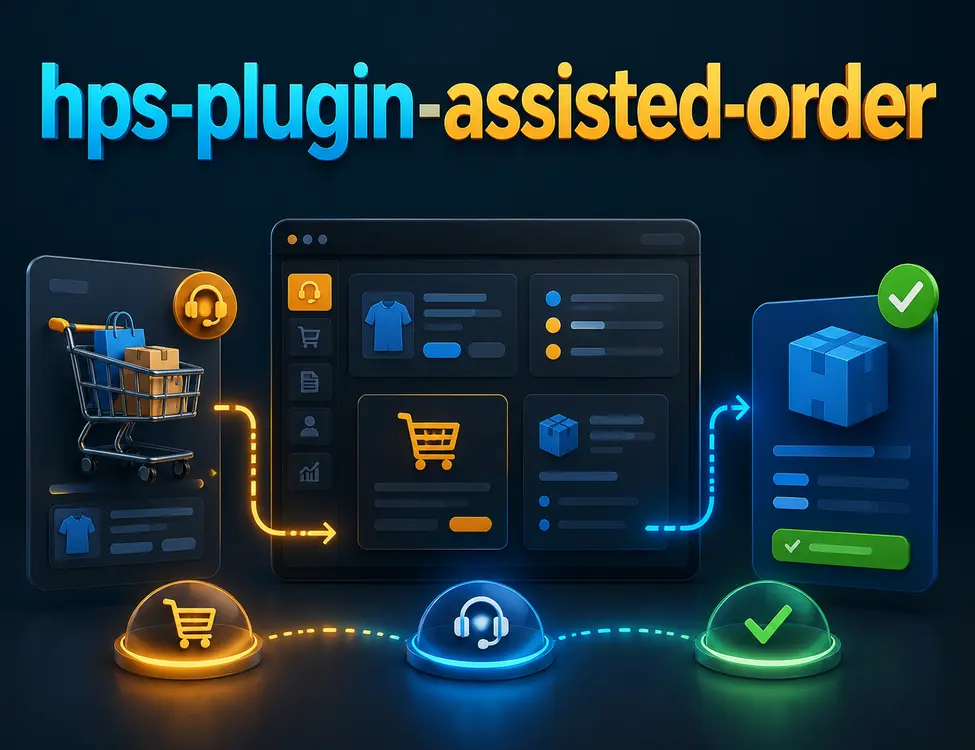
A Vendure plugin that adds assisted-order support: staff-assisted shopping flows where administrators help customers with orders, with per–order-line messaging and ticket-style workflow.
Overview
The plugin models support as assisted order tickets tied to a Vendure Order and one or more OrderLine records. Each line can carry a thread of messages (customer, assignee, or system). Shop and Admin APIs expose state transitions, messaging, and assignment. The Shop API also exposes whether the active order is in “admin assisted” mode and lets the customer exit that mode.
This package integrates with @hyperse-hub/hps-plugin-token-active-order so assisted flows can use order tokens and regional storefront links.
Features
- Entities:
AssistedOrderTicket, AssistedOrderLine, AssistedOrderLineMessage (channel-aware tickets linked to orders and order lines).
- Configurable workflow: Separate shop and admin ticket state lists (default vs end state; no transitions after the end state).
- GraphQL: Admin and Shop API extensions for listing tickets, CRUD-style operations, state transitions, line removal, and sending messages per assisted order line.
- Order fields:
- Shop:
Order.isAdminOrderAssistedMode — whether the current customer’s active order is being assisted on their behalf.
- Shop:
exitAssistedOrderMode mutation.
- Admin:
Order.assistedOrderLink — regional URL for the customer (uses clientRegionalDomains and order token semantics from your setup).
- Email: React Email templates for notify admin on create, notify assignee on assign, notify customer on admin reply, notify admin on customer reply (registered via
@hyperse-hub/hps-plugin-email).
- Admin UI: Registers a dashboard menu entry at
/assisted-order (Hyperse Plugin Admin extension).
- i18n: Translation resources registered for the plugin.
Requirements
- Vendure ≥ 3.0.0 (see
peerDependencies in package.json).
- Intended to run with Hyperse plugins:
hps-plugin-core, hps-plugin-admin, hps-plugin-email, and hps-plugin-token-active-order.
Installation
Add the plugin to your Vendure plugins array and call .init() to override defaults:
import { HpsPluginAssistedOrder } from '@hyperse-hub/hps-plugin-assisted-order';
import { LanguageCode } from '@vendure/core';
const assistedOrderPlugin = HpsPluginAssistedOrder.init({
recipients: ['support@example.com'],
ticketStates: {
shop: ['Open', 'Close'],
admin: ['Open', 'Pending', 'Assigned', 'Working', 'Close'],
},
systemName: { firstName: 'Assisted', lastName: 'Order Ticket' },
clientRegionalDomains: {
[LanguageCode.en]: 'https://www.example.com',
},
});
Configuration options (HpsPluginAssistedOrderOptions)
| Option | Description |
|---|
ticketStates.shop | States the shop can use; first = default, last = terminal. |
ticketStates.admin | States for staff; first = default, last = terminal. Order of admin states can matter for transitions. |
recipients | Email addresses notified when a new ticket is created (and related flows). |
systemName | First/last name used for system-sent messages. |
clientRegionalDomains | Map of LanguageCode to storefront base URL for customer referral links (Order.assistedOrderLink). |
Data model (summary)
AssistedOrderTicket: state, title, description, channels, optional Order / Customer, assignees (Administrator), assistedOrderLines.AssistedOrderLine: Links a ticket to an OrderLine (and thus product context); holds AssistedOrderLineMessage entries.
Custom order fields used by the broader stack (e.g. orderToken, languageCode) are declared in types.extend.ts for TypeScript; ensure your runtime custom fields match your deployment.
GraphQL (high level)
Common types include AssistedOrderTicket, AssistedOrderLine, AssistedOrderLineMessage, enums for states (from options), list options, and TransitionAssistedOrderTicketToStateResult.
Queries: assistedOrderTickets, assistedOrderTicket.
Mutations (among others): createAssistedOrderTicket, updateAssistedOrderTicket, deleteAssistedOrderLine, transitionAssistedOrderTicketToState, sendAssistedOrderLineMessage; Admin also: assignAdminToAssistedOrderTicket, unassignAdminFromAssistedOrderTicket, setCustomerToAssistedOrderTicket. Shop: exitAssistedOrderMode.
Exact shapes are generated from src/api/generate-common-extension.ts and admin/shop schema files.
Scripts
yarn build — server + UI buildyarn serve — local dev server (config/dev-server.ts)yarn test — unit and e2e testsyarn codegen — GraphQL codegen
License
MIT — see LICENSE.